Reloadable Virtual Visa: 5 Smart Uses in 2026
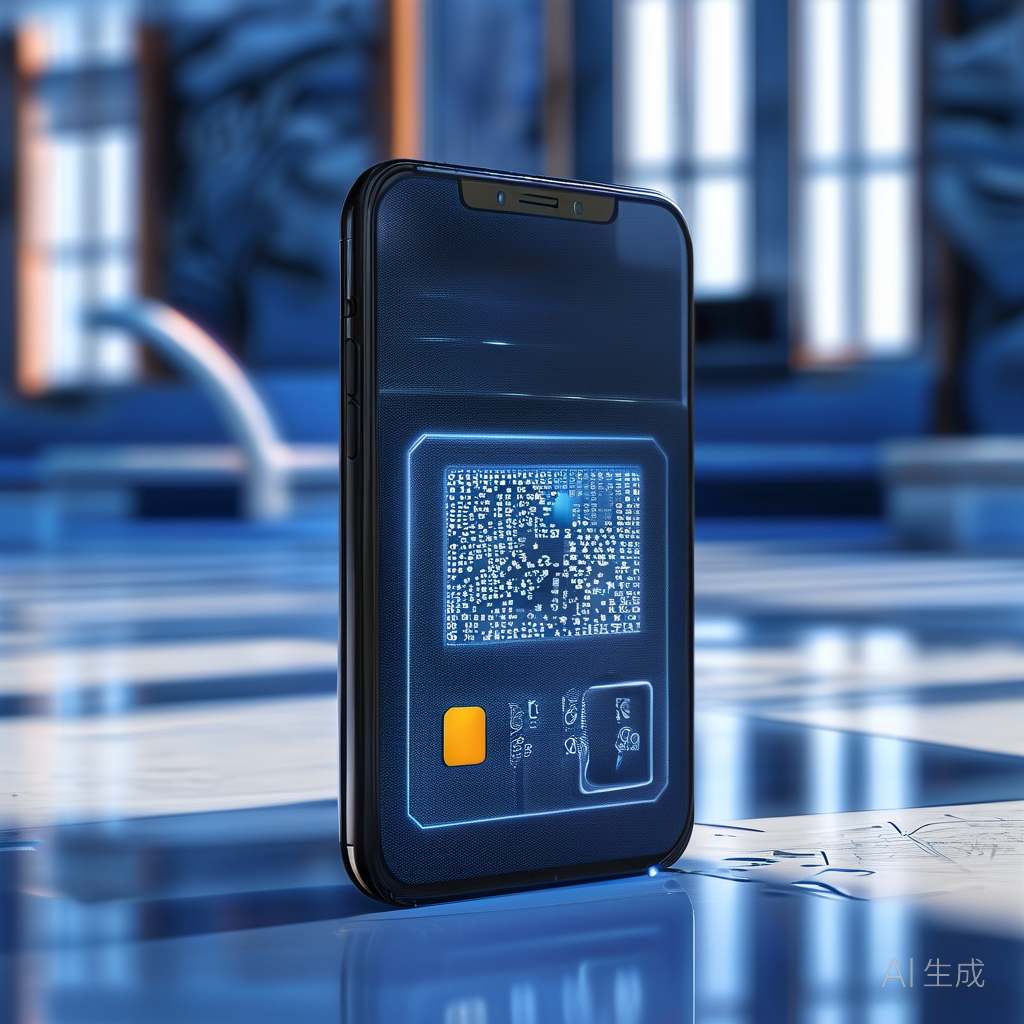
Why I Started Using reloadable virtual visas
I have tested dozens of payment tools over the past decade, and the reloadable virtual Visa has quietly become one of my favorites. It is not flashy. It does not promise cash back on lattes. But it solves a specific problem that most bank cards ignore: controlled spending without a credit check.
Here is the short version. A reloadable virtual Visa works like a prepaid debit card, but it lives entirely in your phone or browser. You load money onto it from your bank account, and you can only spend what you put in. No overdrafts. No surprise fees. I have found that these cards are especially useful for freelancers, advertisers, and anyone who wants to keep their main bank account away from recurring subscriptions.
How Reloadable Virtual Visas Differ From One-Time Cards
You might have heard about virtual credit cards that generate a single-use number for one transaction. Those are great for sketchy websites. But a reloadable virtual Visa sticks around. You add funds, spend, reload, and repeat. I keep one loaded with $200 for all my streaming services and app subscriptions. If a service gets hacked, my real debit card never touches the internet.
The key difference is persistence. A disposable card number expires after one purchase. A reloadable card keeps the same number until you close it. This makes it perfect for ad platforms like Google Ads or Meta, where you need a stable billing method that you can top up weekly. I have seen too many freelancers get their main account frozen because of a disputed ad charge. A reloadable virtual Visa isolates that risk completely.
Top 5 Uses for a Reloadable Virtual Visa in 2026
1. Ad platform billing. Google Ads, Facebook Ads, and TikTok Ads all accept Visa prepaid. Load exactly your monthly budget. When it runs out, the ads stop. No surprise overages.
2. Subscription management. Netflix, Spotify, gym memberships—park them on a reloadable card. If you want to cancel, just stop reloading it. No need to call customer service.
3. Freelancer expense tracking. I know a graphic designer who gives each client a separate reloadable virtual Visa for project expenses. Clean accounting, zero mixing of personal and business funds.
4. Teen or family budgeting. Load a set amount each week. The card works anywhere Visa is accepted online. You control the reload, not the teenager.
5. Travel security. Before a trip, load your travel budget onto a reloadable virtual Visa. If the card number gets skimmed at a hotel booking site, your main accounts stay safe.
Key Stats and Pros vs. Cons
- Typical fees: Most providers charge $0–$5 monthly maintenance. Reload fees are often free via bank transfer, but may cost $1–$3 at retail locations.
- Loading limits: Most cards cap reloads at $10,000 per month. Some allow up to $15,000 with verified identity.
- No credit check: Approval is based on identity verification, not credit score. Great for thin-file users.
- FDIC pass-through insurance: Funds are usually held in a pooled account and insured up to $250,000. Confirm with the issuer.
Pros: No overdraft risk. Strong privacy. Instant issuance. Works with most online merchants. Easy to top up from mobile.
Cons: Some providers charge inactivity fees after 90 days. Not all merchants accept prepaid virtual cards (rare, but happens with some rental car companies). No rewards points or cash back.
How to Choose the Right Provider
After testing six different reloadable virtual Visa providers in 2025, I narrowed it down to three that consistently work without headaches. Look for an issuer that offers instant card generation—you should get your card number, CVV, and expiration date within 60 seconds of funding. I have waited three days for a physical card before, and that delay killed the whole point.
Check the fee schedule carefully. Some providers advertise “no monthly fee” but charge $2.50 for each reload. If you reload twice a week, that adds up fast. I prefer cards that let me reload via ACH transfer for free. Also, make sure the card supports international transactions if you buy from overseas vendors. A few virtual Visas block non-US merchants entirely.
Finally, read the fine print on card expiration. Most reloadable virtual Visas expire after 12 to 24 months. The issuer will usually let you roll the balance to a new card, but some keep the leftover funds. I lost $14.37 once because I forgot about a card that expired with a small balance. Learn from my mistake.
Frequently Asked Questions
Can I use a reloadable virtual Visa for in-store purchases? Only if you add the card to Apple Pay, Google Pay, or Samsung Pay. The virtual card itself has no physical plastic. Most providers let you link the card to a mobile wallet for tap-to-pay at terminals.
What happens if I lose access to the virtual card? Contact the issuer immediately. Since the card is digital, they can freeze the number and issue a new one with the same balance. I have done this twice—once after my phone broke—and the funds were safe both times.
Are reloadable virtual Visas safe for large balances? I would not load more than $2,000 on one unless you have verified the provider’s FDIC insurance and fraud protection policy. For everyday spending and subscriptions, a few hundred dollars is plenty. Keep the bulk of your money in a regular bank account.
Here is the bottom line: a reloadable virtual Visa is a tool for compartmentalizing your spending. It is not a replacement for a checking account. But for ad budgets, subscriptions, and travel security, it is one of the smartest moves you can make. Start with $50 on a card from a reputable issuer, test it on a single subscription, and see how much peace of mind a simple prepaid number can give you.
Related Articles
- Virtual Card for AI Subscriptions: Cap 2026 Bills Fast
- Virtual Card vs PayPal Key: Which Shields Your Payments Better in 2026?
- Are Virtual Credit Cards Safe? 5 Security Facts for 2026
- Instant Virtual Credit Card 2026: Get a Card Number in 60 Seconds
- Virtual Card vs PayPal Key in 2026: Which Protects You Better?